01 / 07 · Capture and win business
Sales & RFQ Management
Never lose track of a research opportunity. Keep client enquiries, email conversations, quotations, vendor responses and follow-ups connected through one RFQ workspace.
What it does
Everything from enquiry to award.
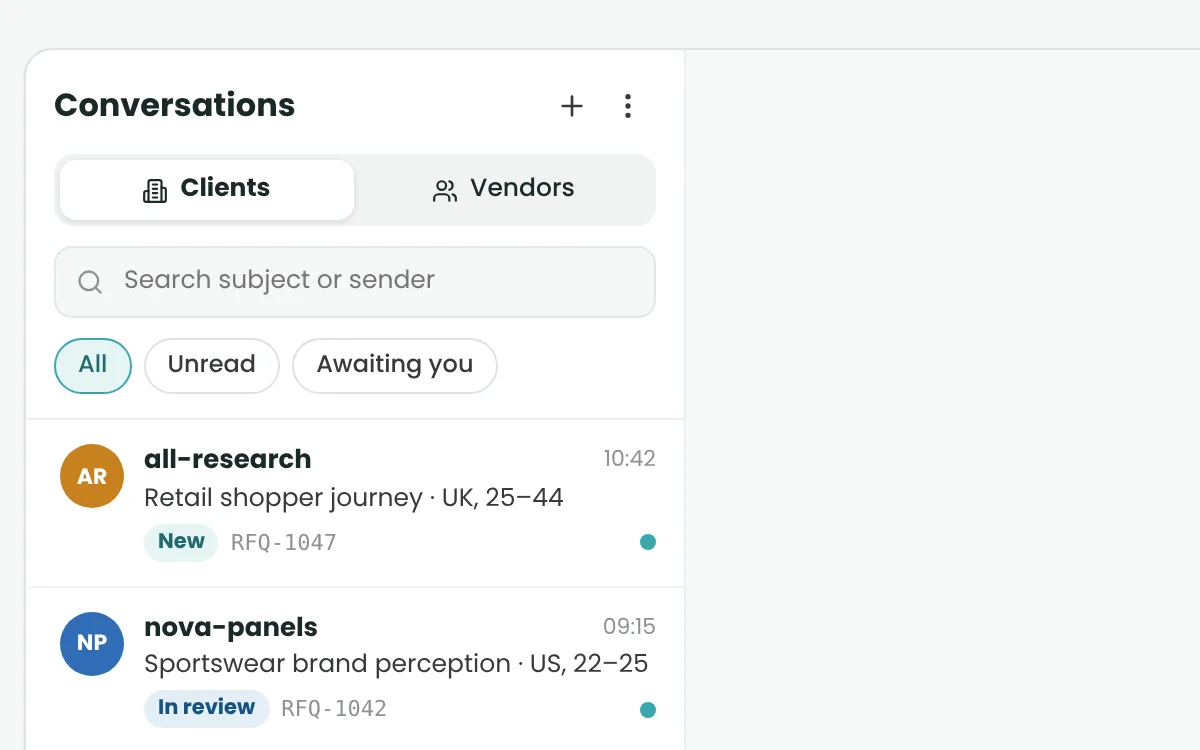
Client RFQ Desk
Client Quotation Preparation
Vendor RFQ Rounds
Vendor Quote Comparison
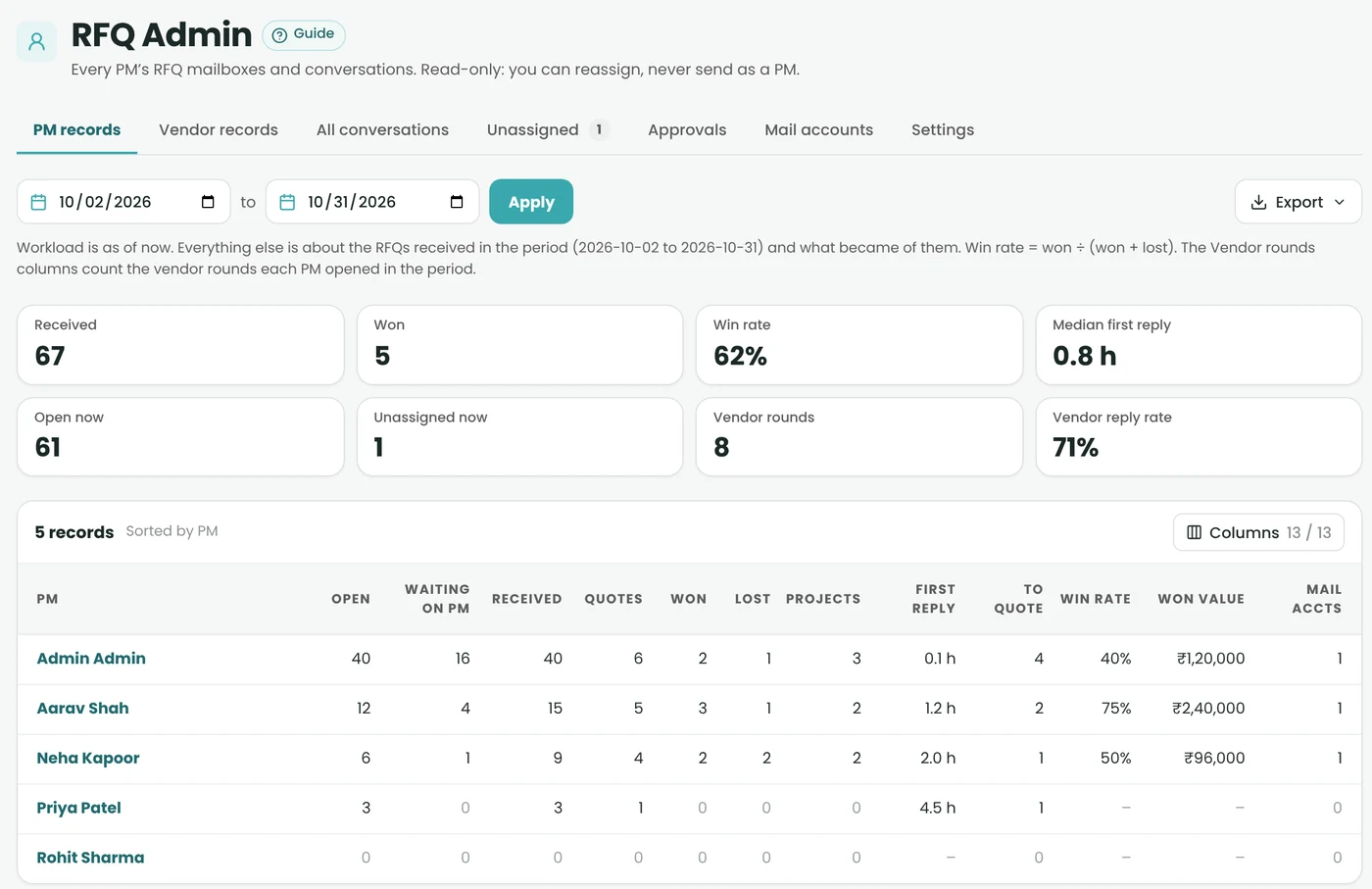
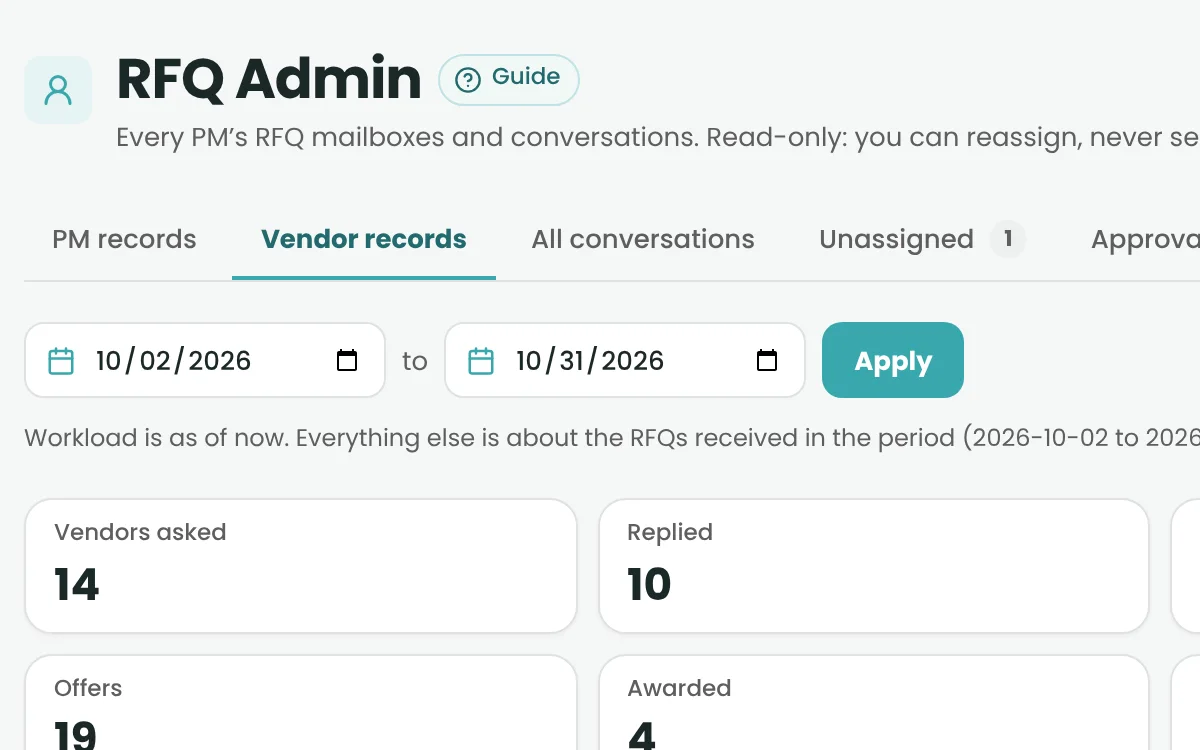
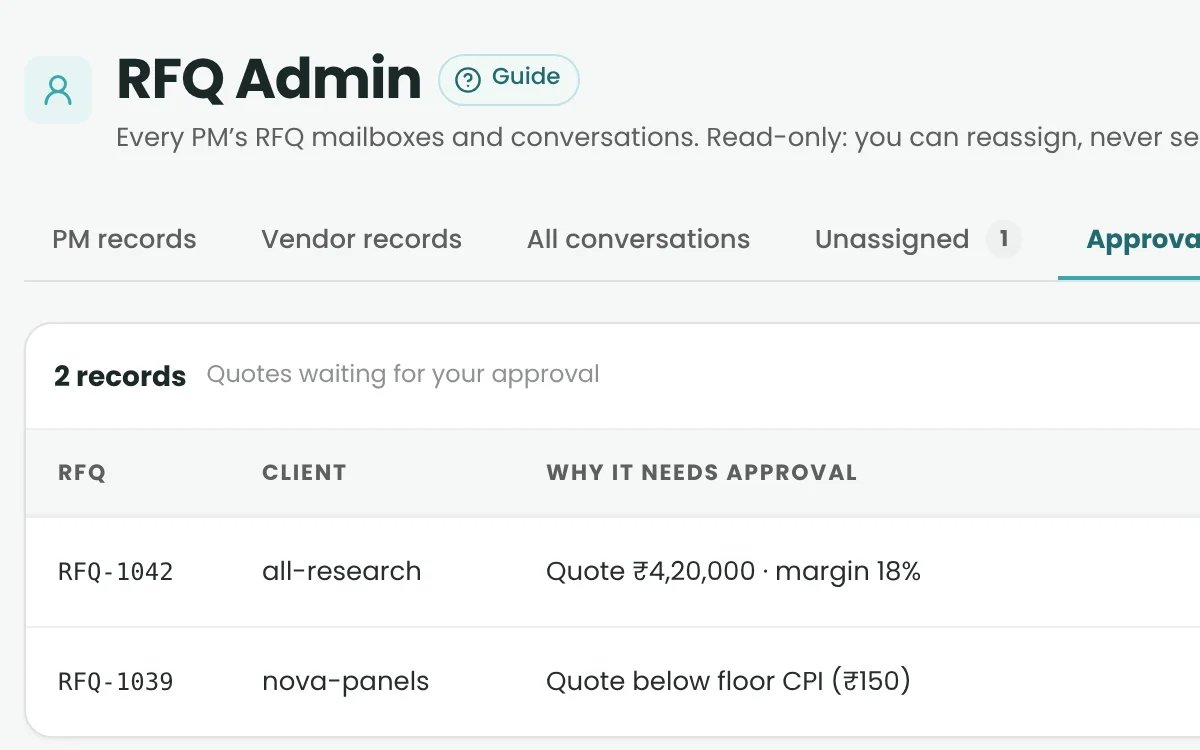
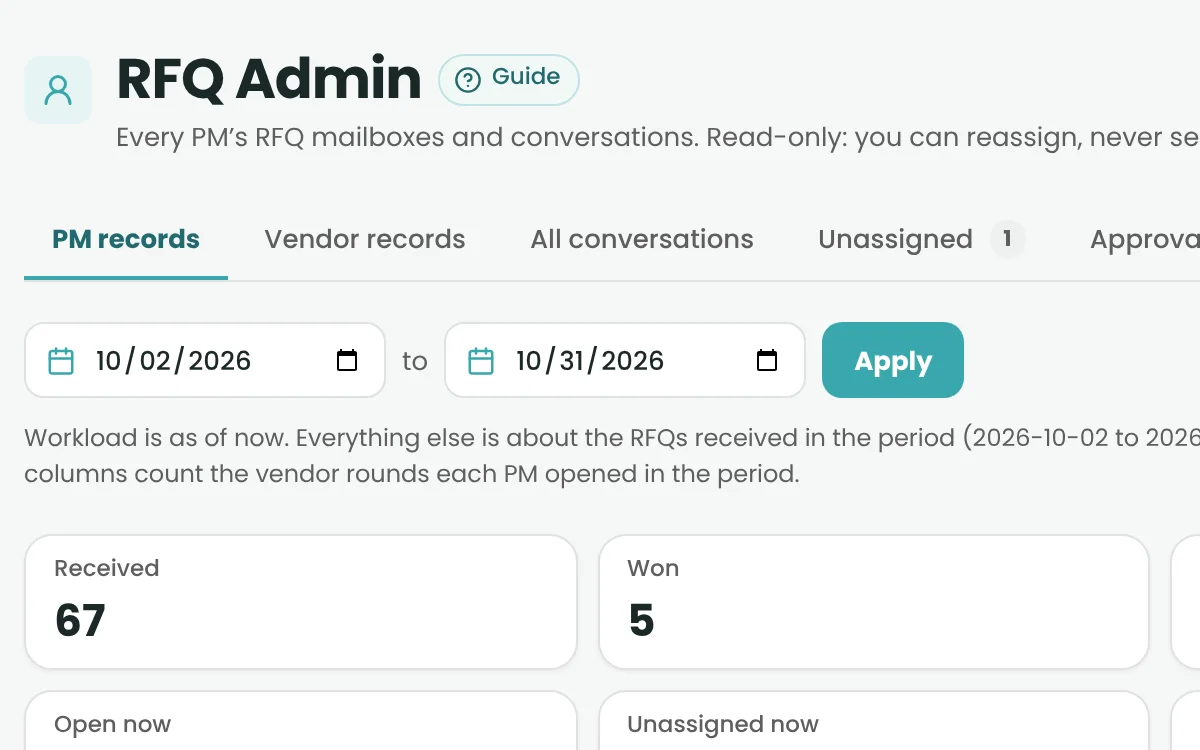
RFQ Admin
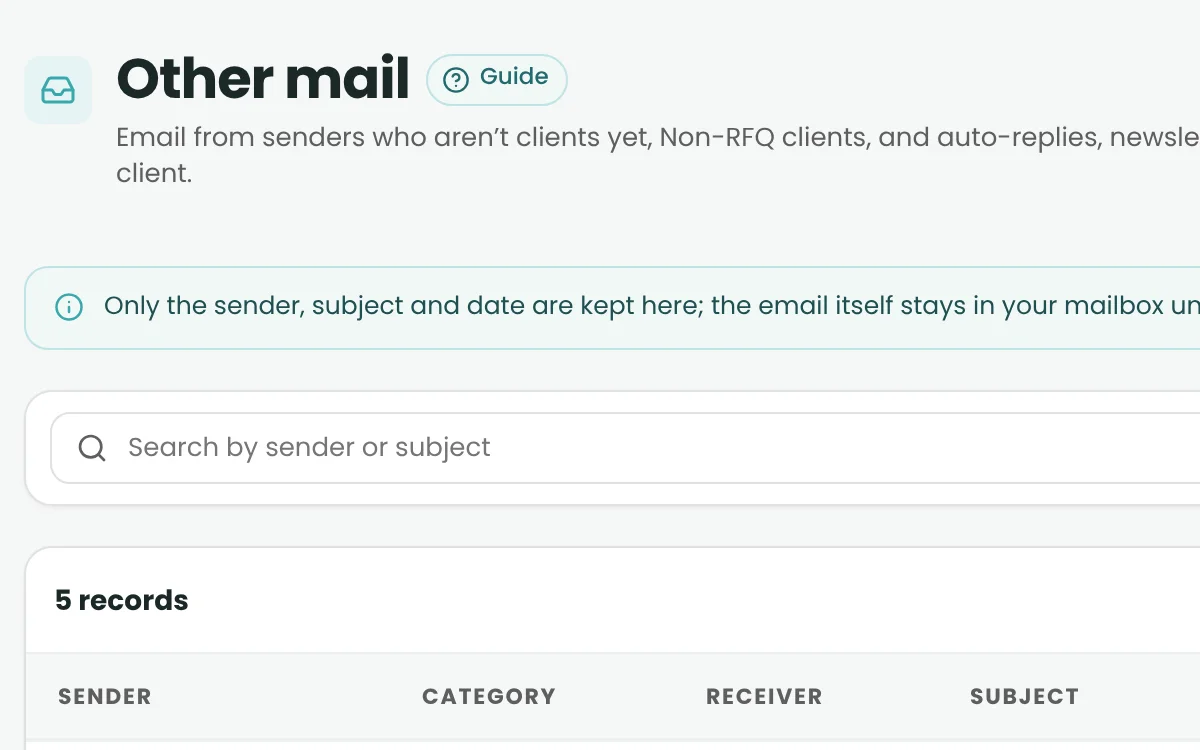
Mail Accounts & Other Mail
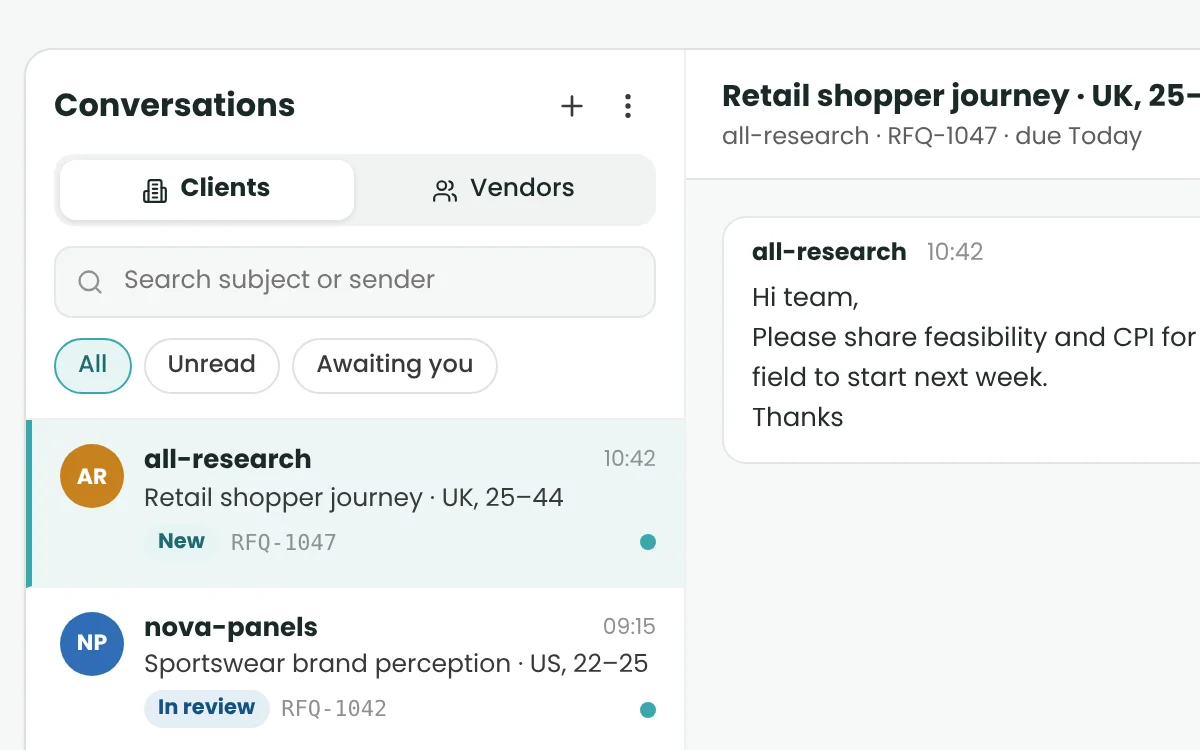
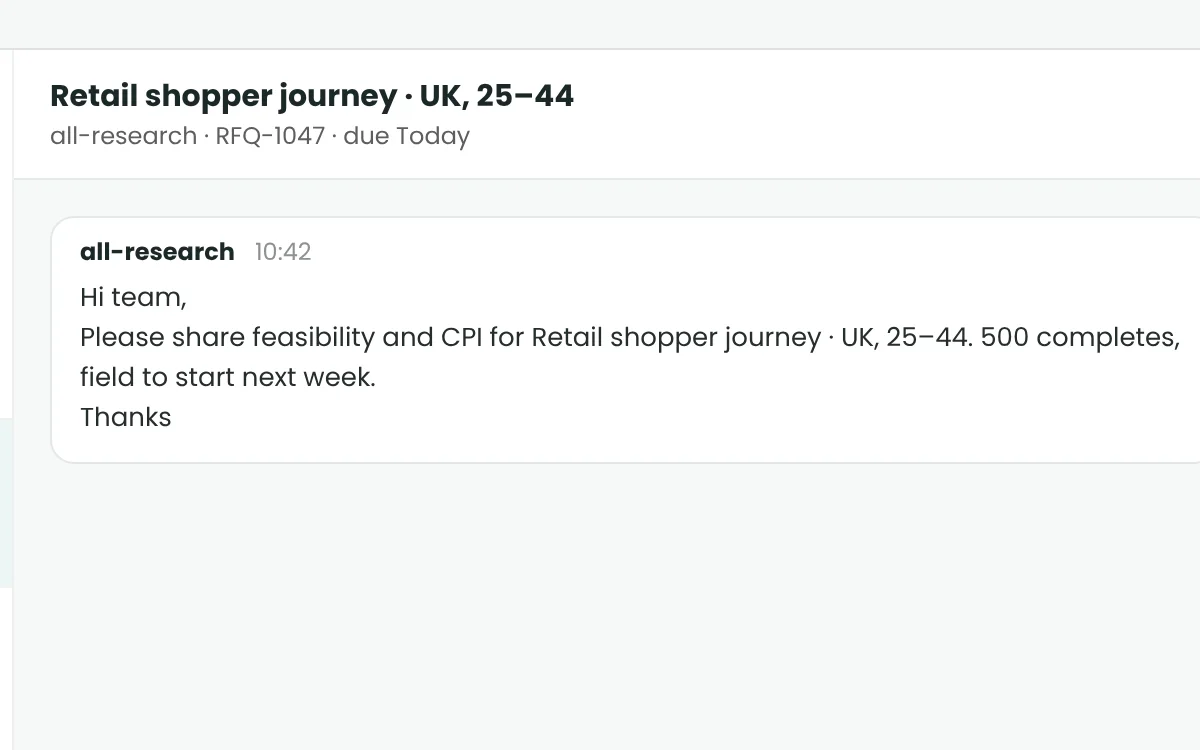
Client & Vendor Conversations
How it works
Five steps, from inbox to status.
- Step 1
Connect a supported mailbox
- Step 2
Capture the RFQ thread
- Step 3
Review requirements
- Step 4
Prepare and send a reply
- Step 5
Update the RFQ status
In the product
The real screens your team works in.
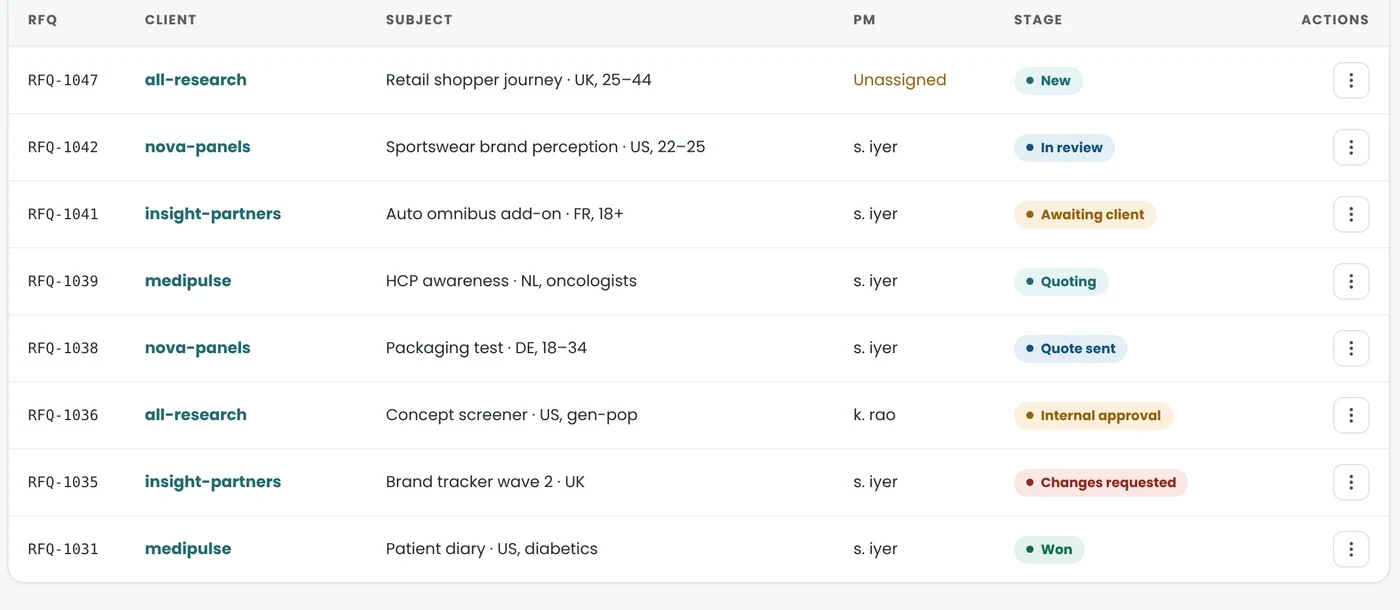
RFQ pipeline
Every RFQ in one timeline.
See each request by client, owner and status: New, Clarifying, Quoted, Negotiating, and Won or Lost.
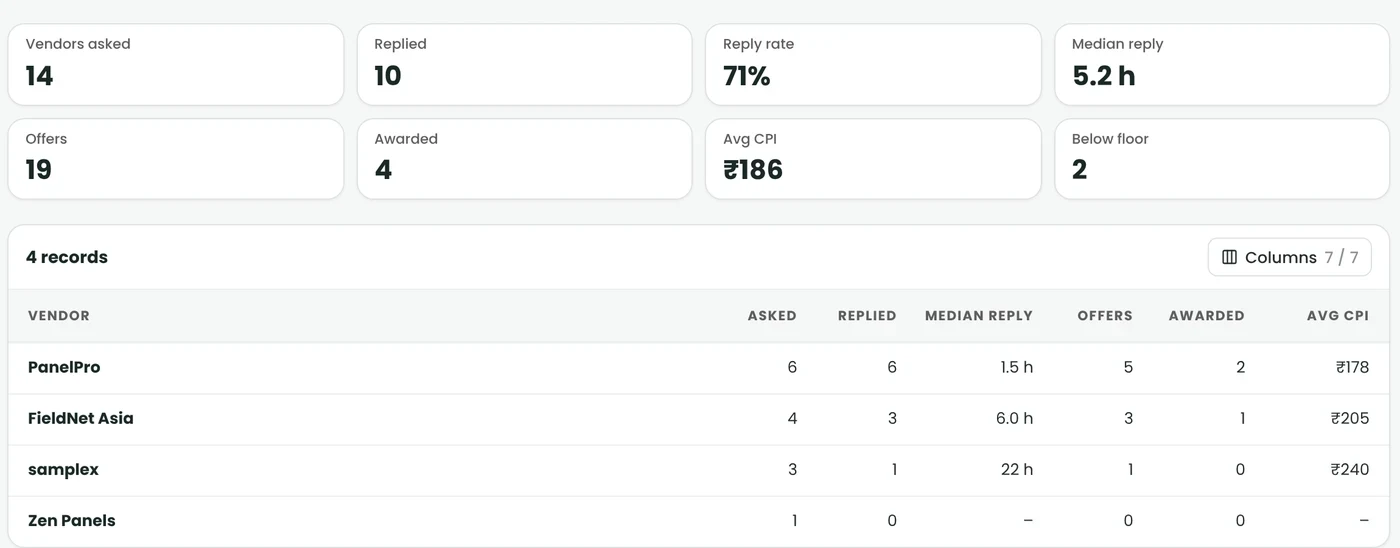
Vendor rounds
Compare vendor replies at a glance.
Reply rate, median reply time, offers and average CPI for every vendor you ask to quote.

Approvals
Quotes wait for the right sign-off.
Prices above the configured margin limit go to an Admin for approval before the quote reaches the client.
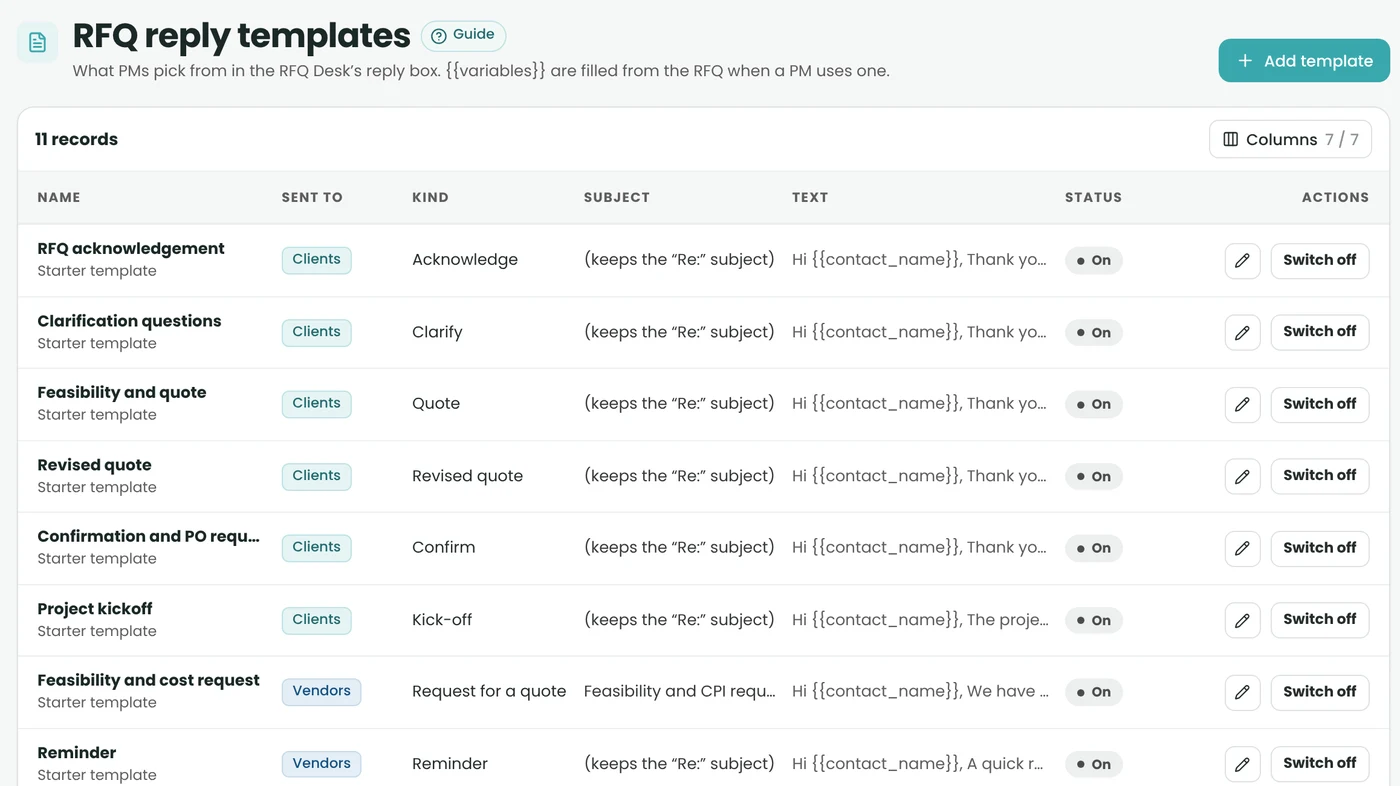
Reply templates
Answer faster with ready replies.
Acknowledge, clarify, quote and award with templates that fill in the RFQ details for you.
A/B guide
From problem to next step.

I have received several vendor quotations. How do I compare them?

Let’s review the quotes, compare their prices and capacity, and prepare a shortlist for your approval.
Review the options and make the final selection from one workspace.
A2B Envoy · A2B TenderRelated AI assistant
Reads client RFQs and drafts your reply. Compares vendor quotes and drafts the follow-up.
See A2B Insights on your own workflow.
Book a demo to walk through RFQs, projects, quality, reporting and invoicing with our team – or get early access to start using A2B.